
NorseMania Registration: Login Details and Identity Verification
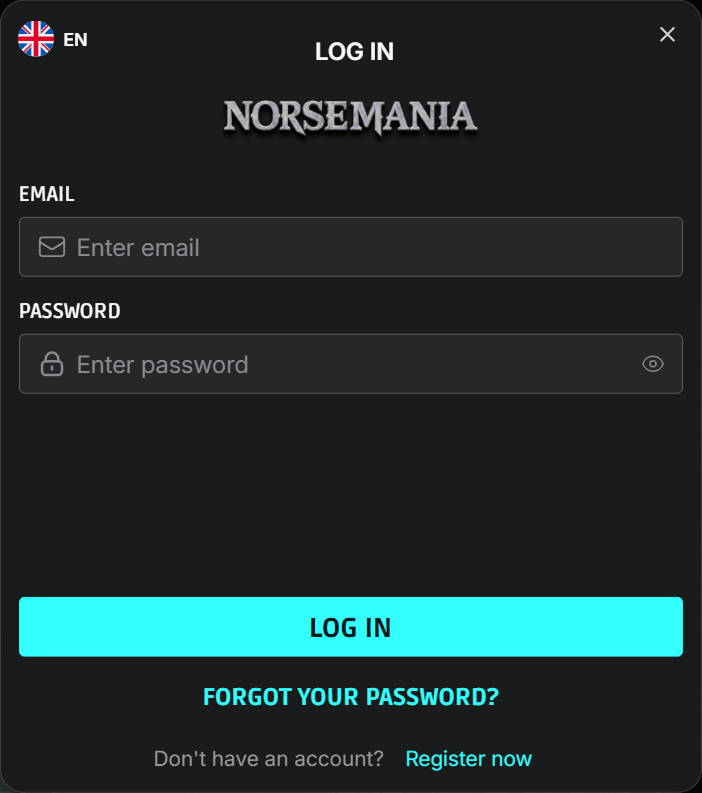
NorseMania uses email and password credentials. Sign-in through Google, Twitch or other social services is not advertised. You therefore need separate login details and reliable access to your inbox.
Before opening an account, check age and territorial requirements. The stated minimum is 18, although local law may set a higher threshold. English and French menus do not establish availability in every country or Canadian province.
How to Create an Account
Open the registration form and enter a valid email address. Create a unique password, confirm your age and accept the terms. Check the address before submitting so the activation link reaches the right inbox.
Open the email and complete the requested confirmation. If it is missing, check Spam and verify the address. Do not register again with another email until you know the status of the first account.
After activation, sign in with the original credentials. Enter any additional account details accurately. Do not invent a birth date or address to qualify for a promotion.
Why a Temporary Email Address Is a Poor Choice
Email is used for account recovery and official communications. Losing access makes managing a financial account more difficult. A temporary address is especially inconvenient during document requests or withdrawal disputes.
Protect your inbox with a separate password and any available additional verification. Do not reuse the same credentials for the website and email. That way, exposure of one password will not automatically compromise both.
Support should not request confidential credentials simply to locate an account. An email address and a description of the problem are enough to begin an enquiry. Never send your current password or banking codes.
Signing In on Desktop and Mobile
Use the email and password created during registration. There is no social-login button to replace a forgotten password. A phone number is not advertised as an independent login method either.
If the form rejects your details, check your keyboard layout and remove extra spaces. A password manager may have filled in a different entry. After several failed attempts, use account recovery rather than continuing to guess.
On a shared device, do not save your credentials, and sign out when finished. Closing a tab does not necessarily end the session. Your balance, history and progress remain linked across devices.
Recovering Access
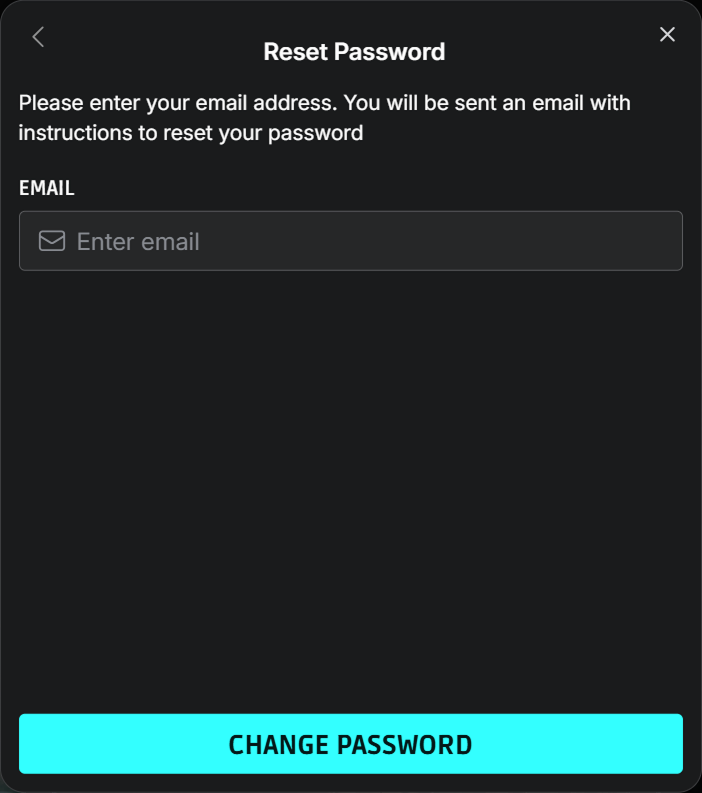
Select password reset on the sign-in page and enter the registered email. Follow the link in the message and create a new password. Make sure the change is complete before attempting to log in.
If the message does not arrive, check the address and Spam folder. If you have lost access to the inbox itself, contact support: the standard process depends on it. Do not create a duplicate account as a workaround.
Security staff determine which alternative methods and evidence are acceptable. Recovery cannot be guaranteed from a single message. Be prepared to verify account ownership through official channels.
Profile Details and Currencies
Fiat transactions are quoted in CAD, while cryptocurrency transactions use the selected coin. A promotional table in EUR does not mean every transaction in your account will be denominated in euros.
Before paying for the first time, check the available currency and whether it can be changed later. If the setting is unclear, ask before sending money. Do not open another account to use a different currency without approval.
Enter your actual country of residence. Translating the interface does not alter geographical restrictions. Correct mistakes through support rather than registering again.
KYC Before the First Withdrawal
Verification usually covers identity, address and ownership of the payment method. Additional files may be requested depending on the transaction. Security staff sometimes ask for a selfie with identification.
| What is verified | Possible document | Common reason for follow-up |
|---|---|---|
| Identity | Passport or accepted ID | Blurry photo or expired document |
| Address | Statement or utility bill | Address mismatch or unsuitable date |
| Card | Image following instructions | Too many visible details or a different cardholder |
| Wallet | Proof of ownership | Insufficient owner information |
The exact document set depends on the request shown in your account. Do not assume the example list guarantees that nothing else will be needed. No universal review time has been published either.
How to Prepare Document Photos
Take photos in even lighting. Include the whole document and keep the required fields legible. Glare or areas covered by fingers may lead to another upload request.
Cover the CVV and sensitive card digits as instructed. Do not alter document contents or personal details. Use the secure upload area, not a public chat.
If a file is rejected, first ask why. The replacement should address the specific problem. Sending the same image again will not speed up verification.
First Payment and Welcome Offer Selection
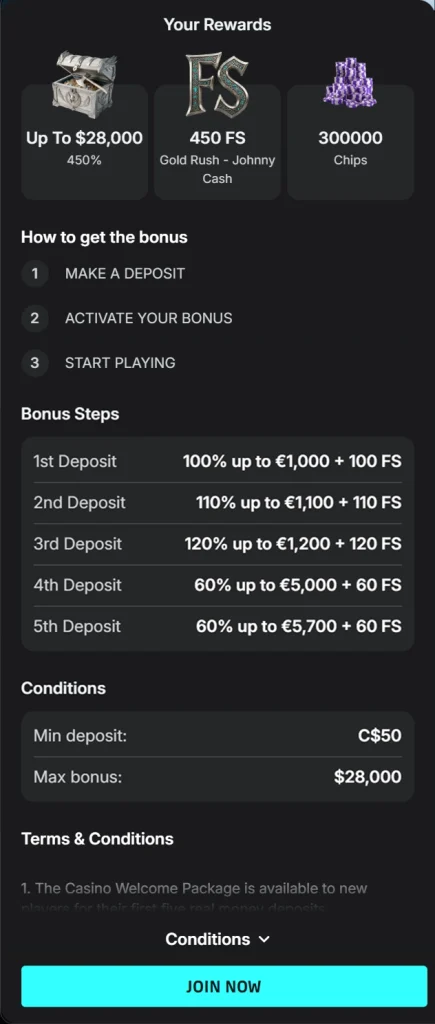
Before paying, compare the five-stage package, the separate fiat welcome offer and the USDT promotion. The standard welcome threshold is 50 CAD, while the crypto version starts at 30 USDT. Confirm whether these routes are compatible in advance.
If a code or opt-in is required, apply it before paying. Attaching an award retrospectively may not be possible once funds arrive. Keep a copy of the offer details and payment confirmation.
Check the x40 requirement, seven-day deadline and 8 CAD maximum wager. Plan a withdrawal method: Apple Pay and Google Pay support funding only.
Loyalty After Registration
The first tier is Bronze. There are 17 levels in total, ending with Obsidian. Returns, wagering requirements and rewards change as members progress.
Do not spend solely to reach a status level. A high cashback rate is not profit, and Chips are not a cash balance. Read each shop item’s restrictions before exchanging them.
Security and Responsible Participation
SSL protects data in transit but does not eliminate the risk of a fraudulent website. Check the address before signing in or paying. Do not open a payment form from an unsolicited message sent by an unknown person.
The account includes limits on funding, transactions and wagers, along with a self-assessment questionnaire. For an extended break or self-exclusion, contact support and ask about the procedure.
Do not increase your budget to beat a promotion’s deadline. Stop if participation affects essential expenses. Independent support matters more than collecting another reward.
Conclusion
NorseMania registration uses a dedicated email and password rather than social sign-in. Identity and payment-method ownership must be verified before the first withdrawal. Check the currency, territorial eligibility and selected offer before paying to avoid trying to correct mistakes after a transfer.